Disk Recon 14.1
HTML Reports
Every result set in Disk Recon can be exported to a self-contained HTML file. The report is formatted as a table and can be opened in any web browser, emailed, or published on an intranet.
Press the Export to HTML button in the toolbar or use the shortcut Ctrl-H.
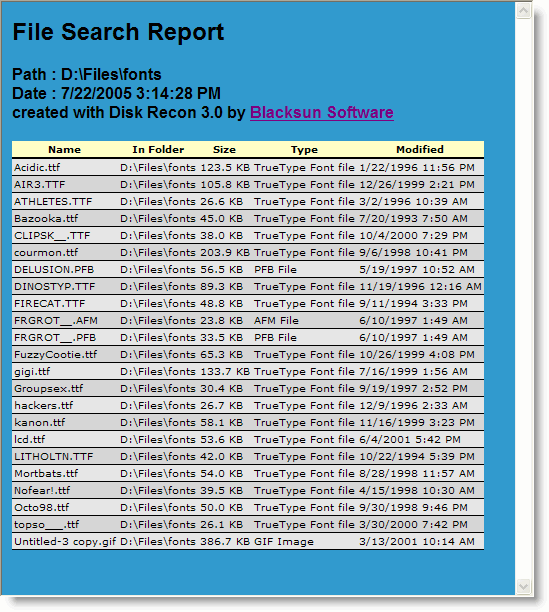
Customising the Report
The generated HTML file has clean, readable source code that can be edited in any text or HTML editor. You can:
- Add a company logo or header.
- Change the table styles (colours, fonts, borders).
- Embed the table into an existing HTML page.
Hiding Columns
To exclude a column from the HTML report, resize it to zero width in the Disk Recon result grid before exporting. Columns with zero width are omitted from the output.
Other Export Formats
Disk Recon also supports Excel, CSV, plain text, and XML export.
Copyright © 1998-2026 Blacksun Software. All Rights Reserved