Disk Recon 14.1
MS Excel Reports
Every result set in Disk Recon can be exported to a Microsoft Excel spreadsheet with a single click. The export includes the full content of the current result grid — all rows and all visible columns.
Press the Export to Excel button in the toolbar or use the shortcut Ctrl-E. Disk Recon opens Excel directly with the data already loaded.
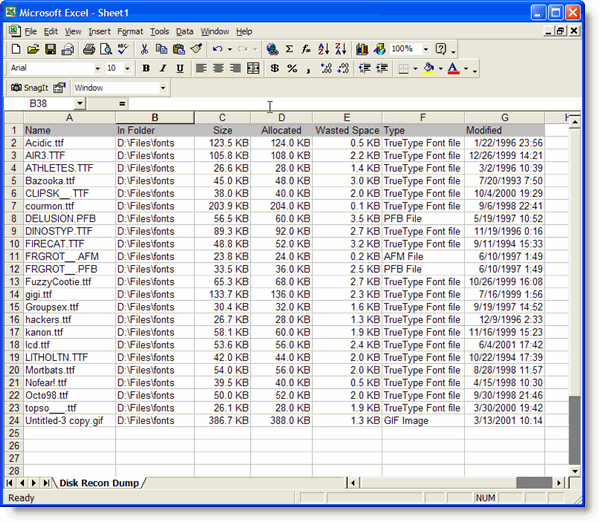
Working with the Spreadsheet
Once in Excel you can:
- Sort and filter by any column.
- Delete columns that are not relevant to your report.
- Create pivot tables or charts on top of the data.
- Save or share the file in any Excel-compatible format.
Hiding Columns Before Export
All columns are included in the Excel export. If you want to exclude a column, resize it to zero width in the Disk Recon result grid before exporting — hidden-width columns are omitted from the output.
Other Export Formats
If you need a different format, Disk Recon also supports HTML, CSV, plain text, and XML export.
Copyright © 1998-2026 Blacksun Software. All Rights Reserved