X-Fonter 14.0.3
Installed & Loaded Fonts
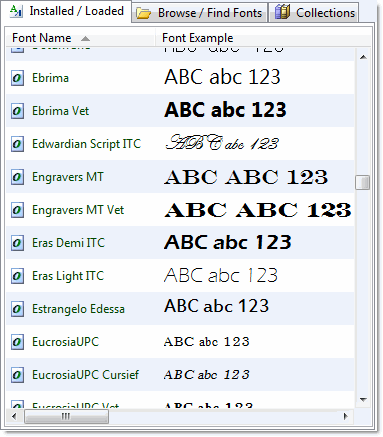
When X-Fonter starts, the Installed Fonts tab is displayed by default. This tab provides an overview of all fonts that are currently available on your system, including both installed fonts and fonts that are temporarily loaded.
Installed fonts are part of the Windows font system and are available to all applications. Loaded fonts are fonts that have been activated temporarily, often by another application or session.
You can easily distinguish between them:
- If the folder name and file name are displayed, the font is installed on your system.
- If this information is missing, the font is only loaded and not permanently installed.
One exception applies to TrueType Collection (TTC) files, which are currently not fully supported for file location detection in X-Fonter.
Please note that font actions such as installing, loading, or removing fonts require access to the original font files. If the file location is unknown, these actions may not be available.
Copyright © 2001-2026 Blacksun Software. All Rights Reserved