
X-Fonter Screenshots
Explore X-Fonter in action across all its major views. Click any thumbnail to open a full-size screenshot. Each image highlights a specific capability so you can quickly assess how it fits your workflow.
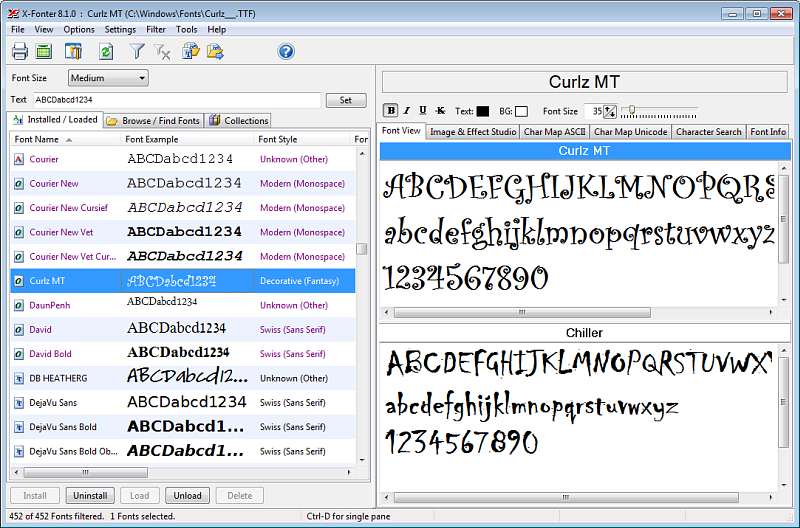
Review all fonts on your system with live previews, styles, and metadata. Ideal for quick auditing and housekeeping.
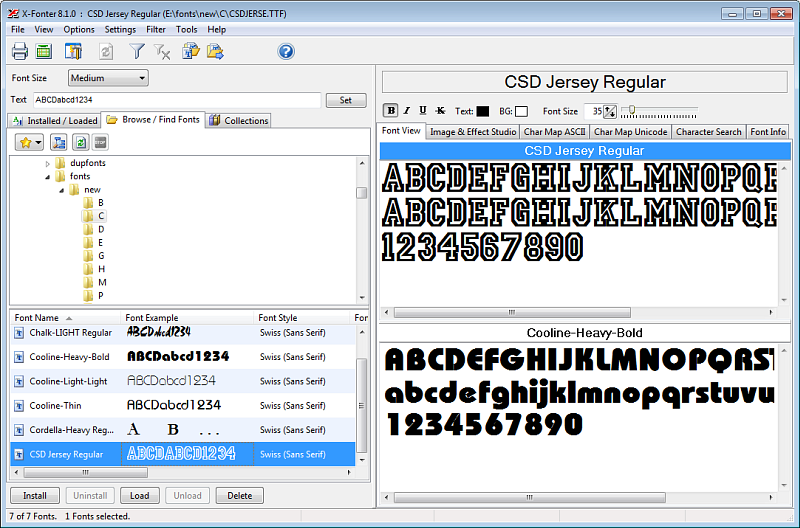
Navigate local folders before installing. Compare families side by side and audition styles without modifying the system.
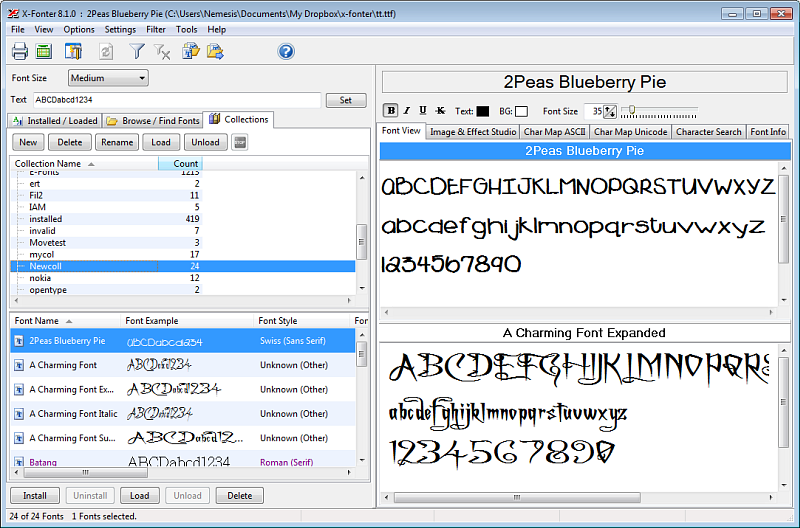
Build reusable font sets for projects or clients, then drill down to individual glyphs for verification.
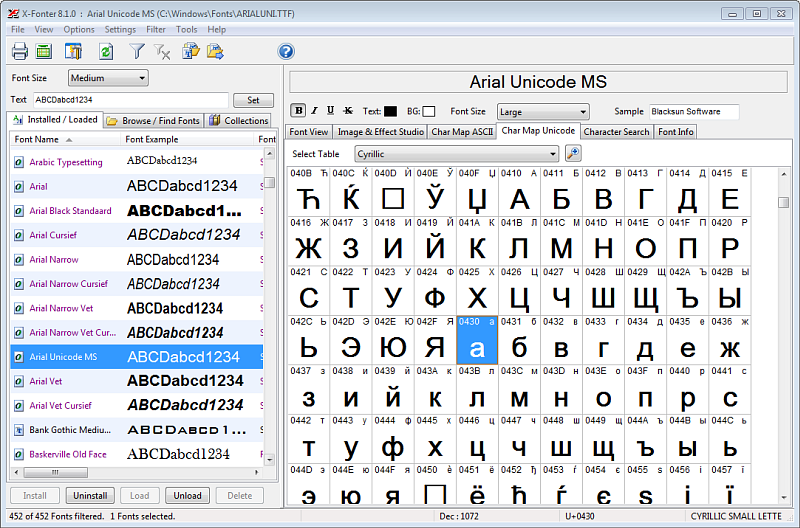
Confirm multilingual coverage, symbols, and special characters at a glance — critical for branding and international requirements.
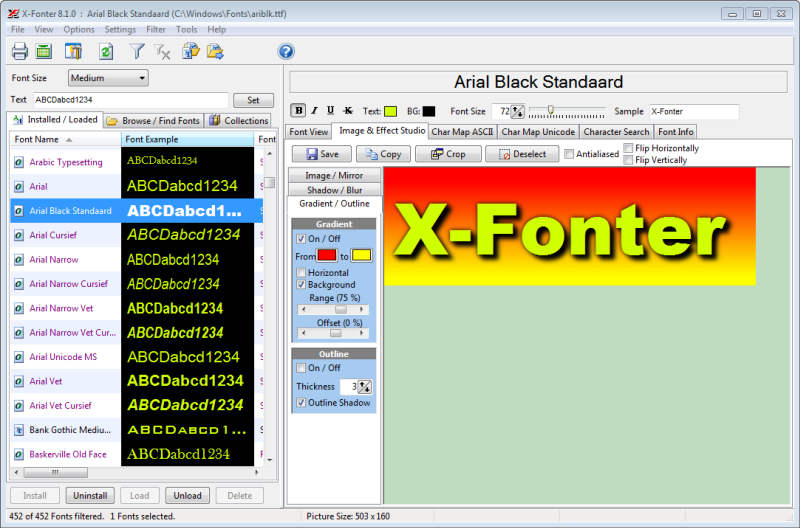
Create crisp banners and labels with gradients, outlines, glows, and 3D. Export to PNG/GIF/JPG for web, email, or documentation.
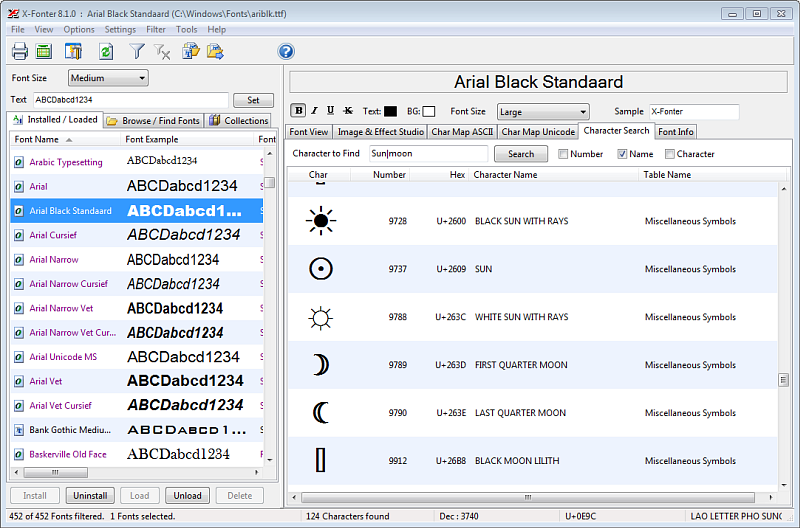
Instantly locate fonts containing a specific glyph (e.g., ✓, €, ϕ), saving time when preparing assets or documents.
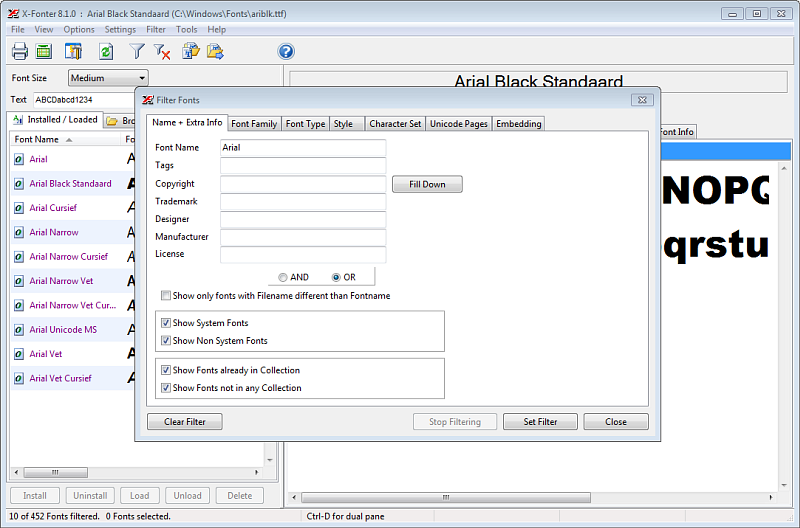
Narrow large libraries by format (TrueType/OpenType/PostScript), style, foundry, tags, or classification for faster decisions.
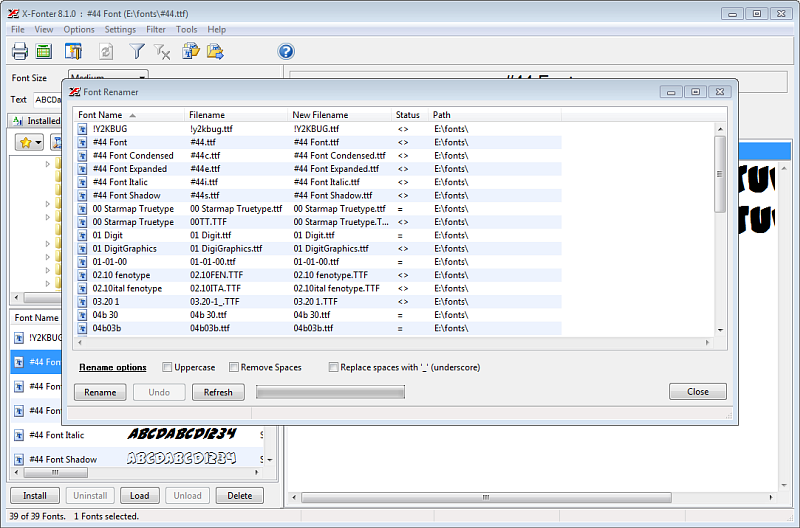
Enforce consistent file naming for clean archives and version control — especially useful for team environments and asset handoffs.
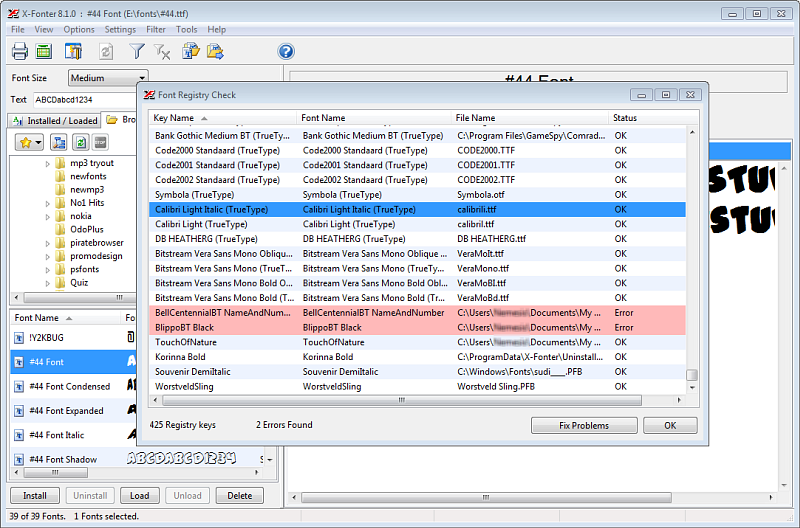
Package a curated set of fonts to a project folder or archive, keeping deliverables tidy and reproducible.
- Speed — preview, compare, and collect fonts without round-tripping through multiple apps.
- Accuracy — character maps and search prevent missing glyph surprises late in production.
- Control — filters and naming utilities keep large libraries organized and consistent.
- Output — the built-in banner and effects studio produces web-ready images in minutes.
- Check that previews match your target sizes and rendering (ClearType / anti-aliasing) on Windows.
- Verify glyph availability for languages, symbols, and brand marks you actually use.
- Confirm that filters, search, and collections reduce manual steps in your current workflow.
- Ensure export options (PNG/GIF/JPG) produce crisp edges with manageable file sizes.